
This showcase presents a selection of tools commonly used in UXresearch and design. We encourage exploration and experimentation to find the tools that best fit your project’s needs.
1. FIGMA
A collaborative design tool for building, prototyping, and documenting user interfaces.
Figma is a browser-based interface design tool used widely in the UX field. It supports real-time collaboration, making it especially suited to academic and interdisciplinary teams. In the context of Digital Humanities, it enables work ranging from low-fidelity wireframes to high-fidelity interactive prototypes. It’s worth noting that Figma contains many layers and features, from basic design to prototyping, component libraries, and developer handoff tools. Many of the plugins and tools highlighted in this compilation are designed to extend or enhance Figma’s functionality.
2. GOOGLE MATERIAL 3
A flexible design system for creating accessible and consistent digital experiences
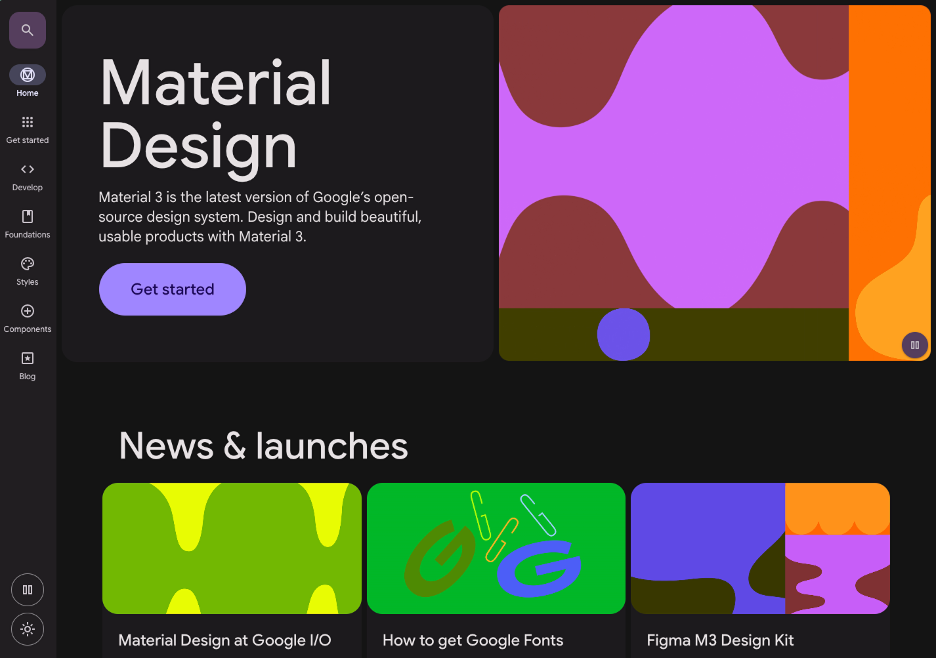
Google Material 3 is a design framework developed by Google, offering interface components, style guidance, and accessibility standards. For Digital Humanities practitioners, it can serve as a helpful foundation when designing for consistency, user accessibility, and modern aesthetics. The UI Kit available in Figma enables experimentation and prototyping, while the Material Design website offers documentation on components, patterns, and usage—particularly useful for teams seeking guidance or a starting point.
3. REALTIME COLORS
Quickly preview and test color palettes with built-in accessibility feedback.
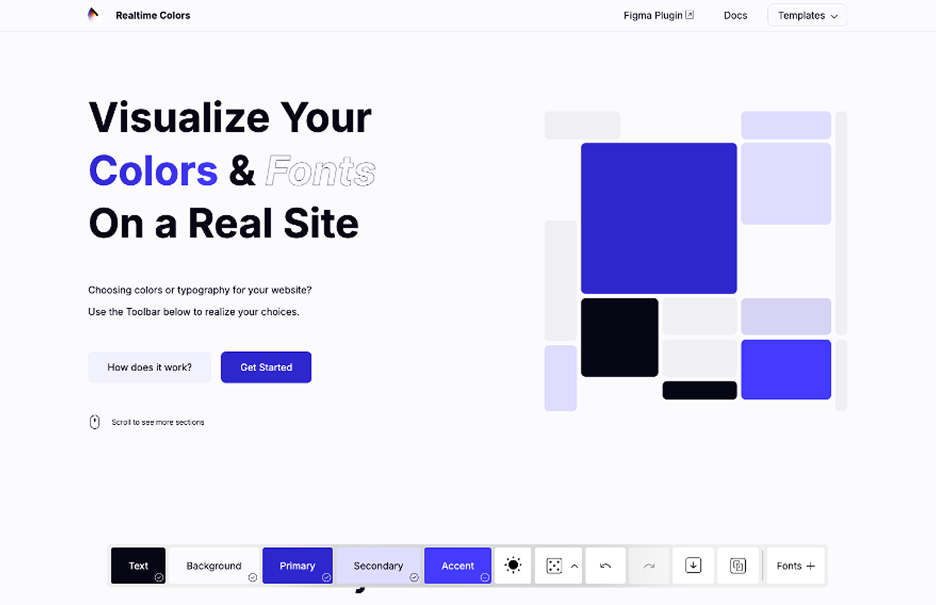
Realtime Colors is a web-based tool that lets users create and adjust color schemes with live contrast ratios and UI previews. It’s particularly helpful for testing accessibility early in the design process. While simple in concept, its live preview and contrast feedback help support color decisions that affect usability, especially for users with visual impairments.